Bible Breathing
Bible Breathing combines paced breathing exercises with Scripture. It’s also my first independently published iOS app.
I started it because I wanted to experience the whole process of making an app myself: designing it, building it, preparing the App Store listing, and finding out what happens when I finally submit it for review.
Breathing with Scripture
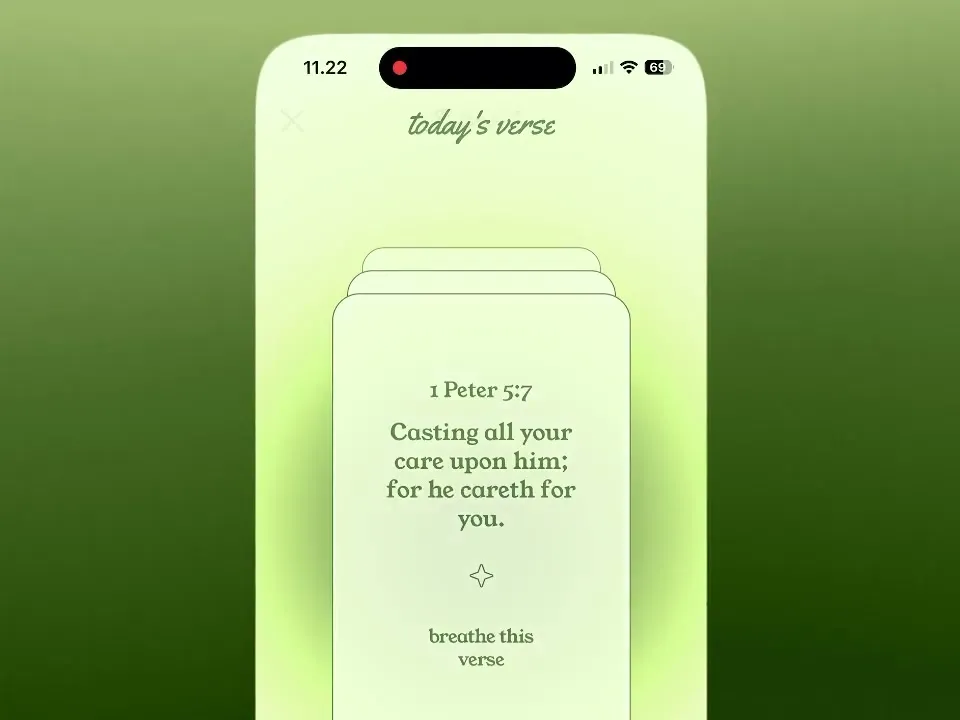
The main experience is simple: choose a verse, follow the breathing pace, and spend a little time with it.
There are two ways to do this. In Breath Prayer, each segment of the verse follows a breathing phase. You might read one part as you inhale, then move to the next as you exhale.
In Verse Meditation, a segment stays on screen for a full breathing cycle before the next one appears. It gives you a little more time with each part of the verse.
I enjoyed working out how the words, breathing instructions, and gradient should move together. The gradient grows as you inhale and settles as you exhale, with its timing following the selected pace.
I also wanted the gradient to feel continuous when moving between screens. Instead of starting over when a session begins, it transitions along with you into the breathing experience.
I experimented with haptic feedback and background audio during the session too. They add another way to feel the rhythm while following along with the verse.
Playing with color
The app has several themes, each giving the same breathing experience a different feel. It was a fun excuse to experiment with gradients and see how much the mood could change just by changing the colors.
And this one is my favorite:
I designed the app icons and App Store screenshots too. Getting to make all of these pieces myself was one of my favorite parts of the project. It was nice to see the same visual ideas carry from the app to its little square on the Home Screen.




A little letter on your Home Screen
The widgets started with an idea I liked: what if seeing a verse on your Home Screen felt a little like receiving a letter from God?
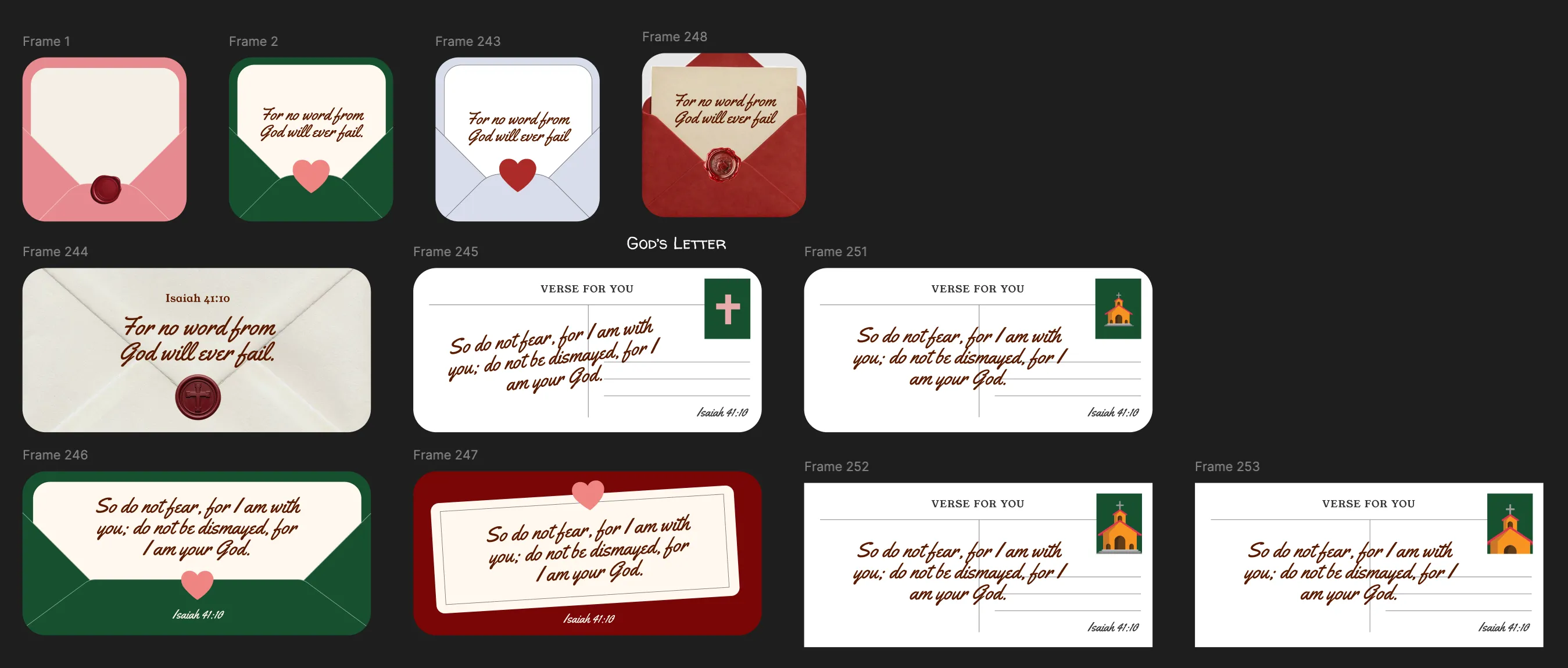

Early explorations of envelopes, wax seals, and postcards for the Home Screen widgets.
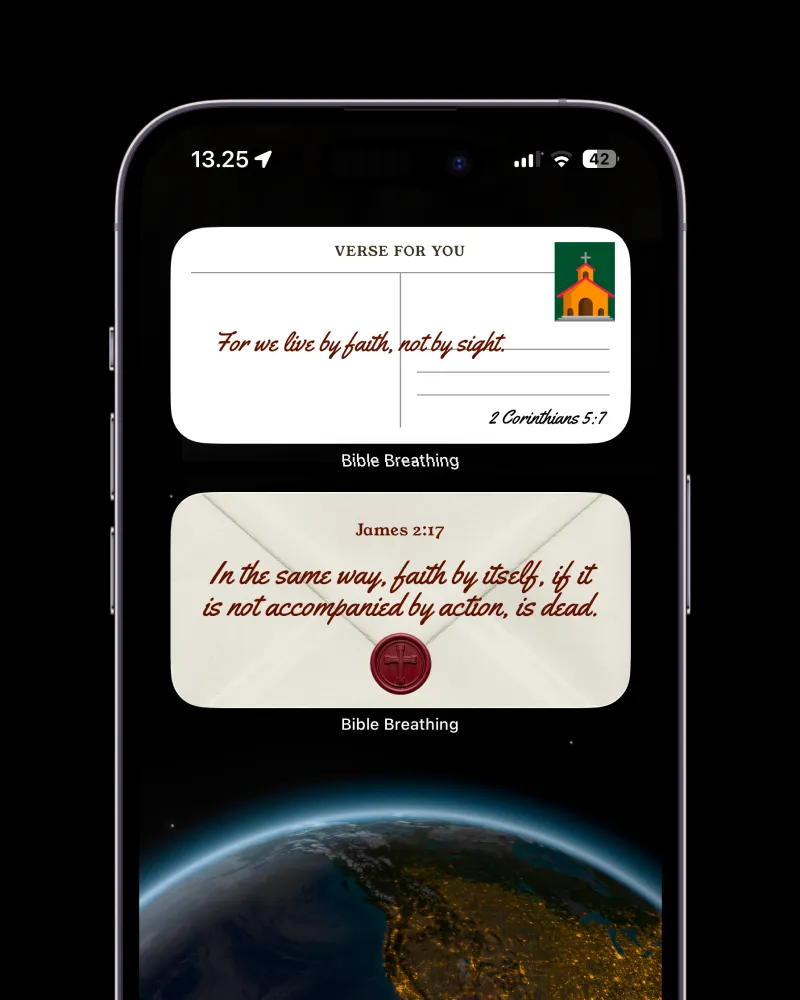

Building widgets also gave me a chance to explore a part of iOS I hadn’t worked with before. They live outside the app, so I had to think about how the verse gets there and how it appears in a much smaller space.
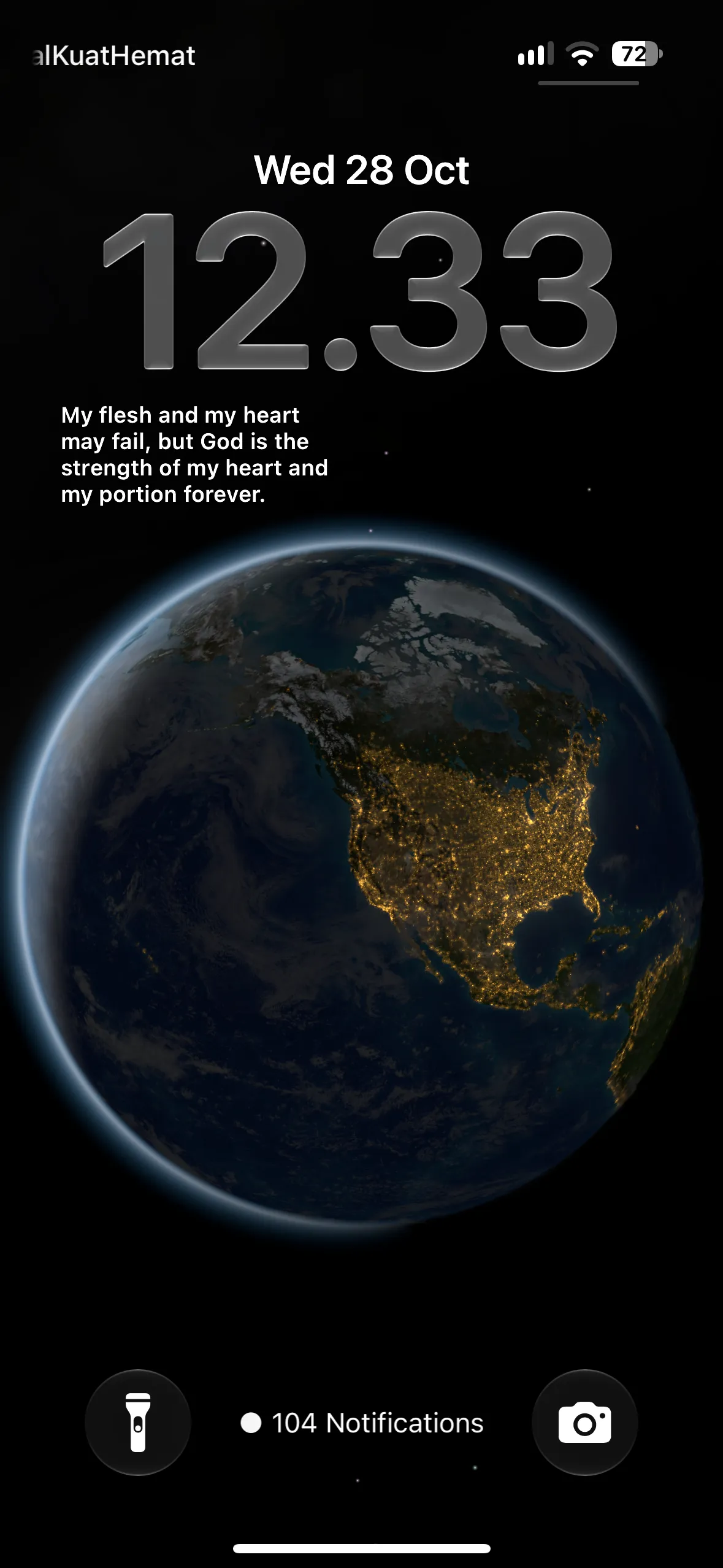

I liked that the design could take on a different shape while still feeling connected to the app.
Actually getting it on the App Store
Because the app works offline and doesn’t require an account, I thought App Store review would be pretty straightforward.
I believe it took around three or four revisions before it was approved. Turns out, finishing the app and getting it into the App Store were two different parts of the process.
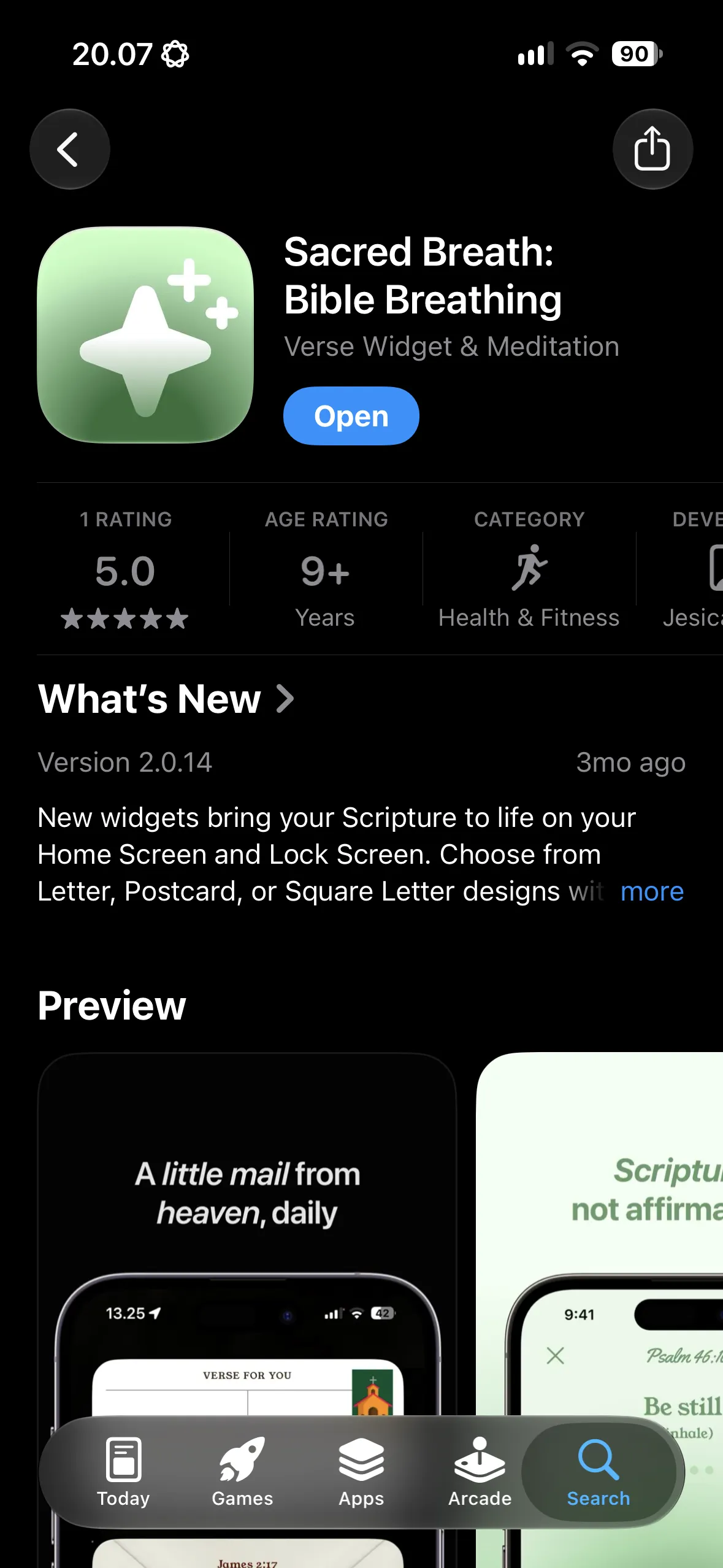

Now Bible Breathing still gets a few organic downloads every week. It’s a small number, but seeing people find an app I made and published myself is pretty cool. Not bad!